
card-animals.png : pending
Animals
Every animal. Band, sex, morph, line.
 Broodstock
The hatch date lived in a thread. The pair lived in a notebook. The buyer asked for parents and you went hunting.
Broodstock keeps the book. Ranger, your AI manager, reads it: he emails you the morning, drafts the buyer replies, and waits for your OK before he changes anything.
Free for up to 10 animals. No card needed. Already have an account? Log in
Broodstock is the book: animal, pair, egg, hatch, dollar. Ranger is the manager.




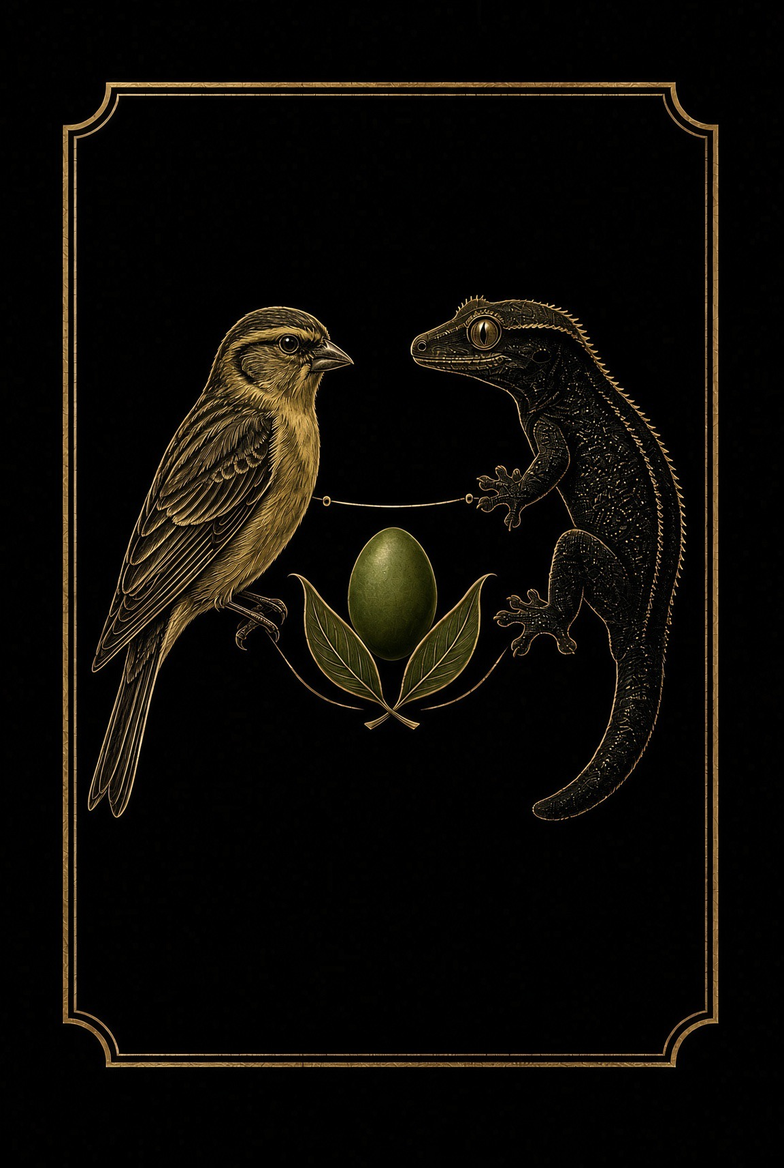



Not a chatbot bolted on. The manager for this room.
He emails you the day every morning. Reply to ask him anything. Forward a buyer’s email and he drafts the answer. You hit send.
Offspring calculator that knows Z-linked.
Broodstock is built in our own bird and reptile room in Kuna, Idaho, by a husband-and-husband team who wanted to help breeders raise healthier animals. It launched at the Boise reptile show in October 2026. Why we built it →
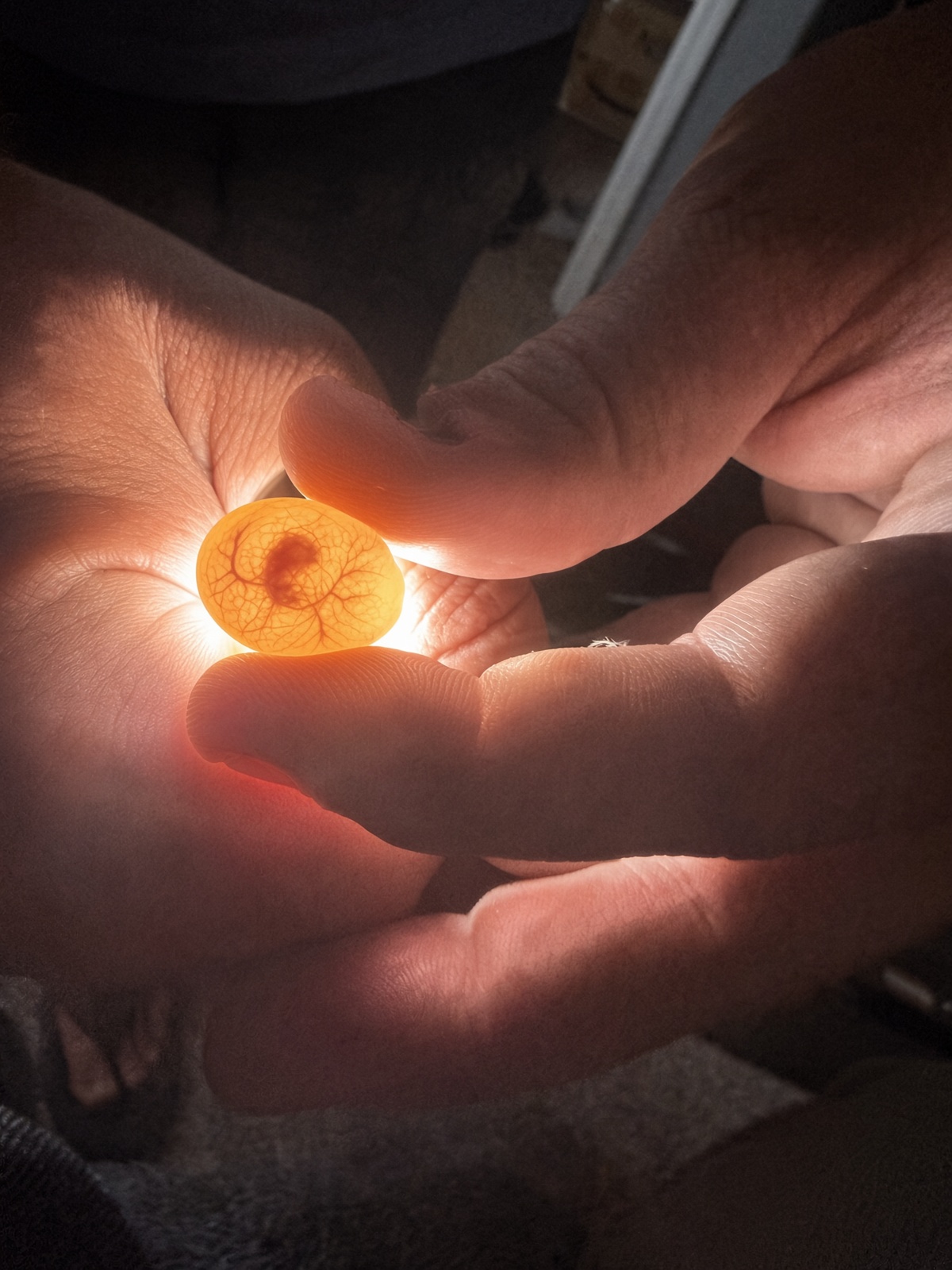
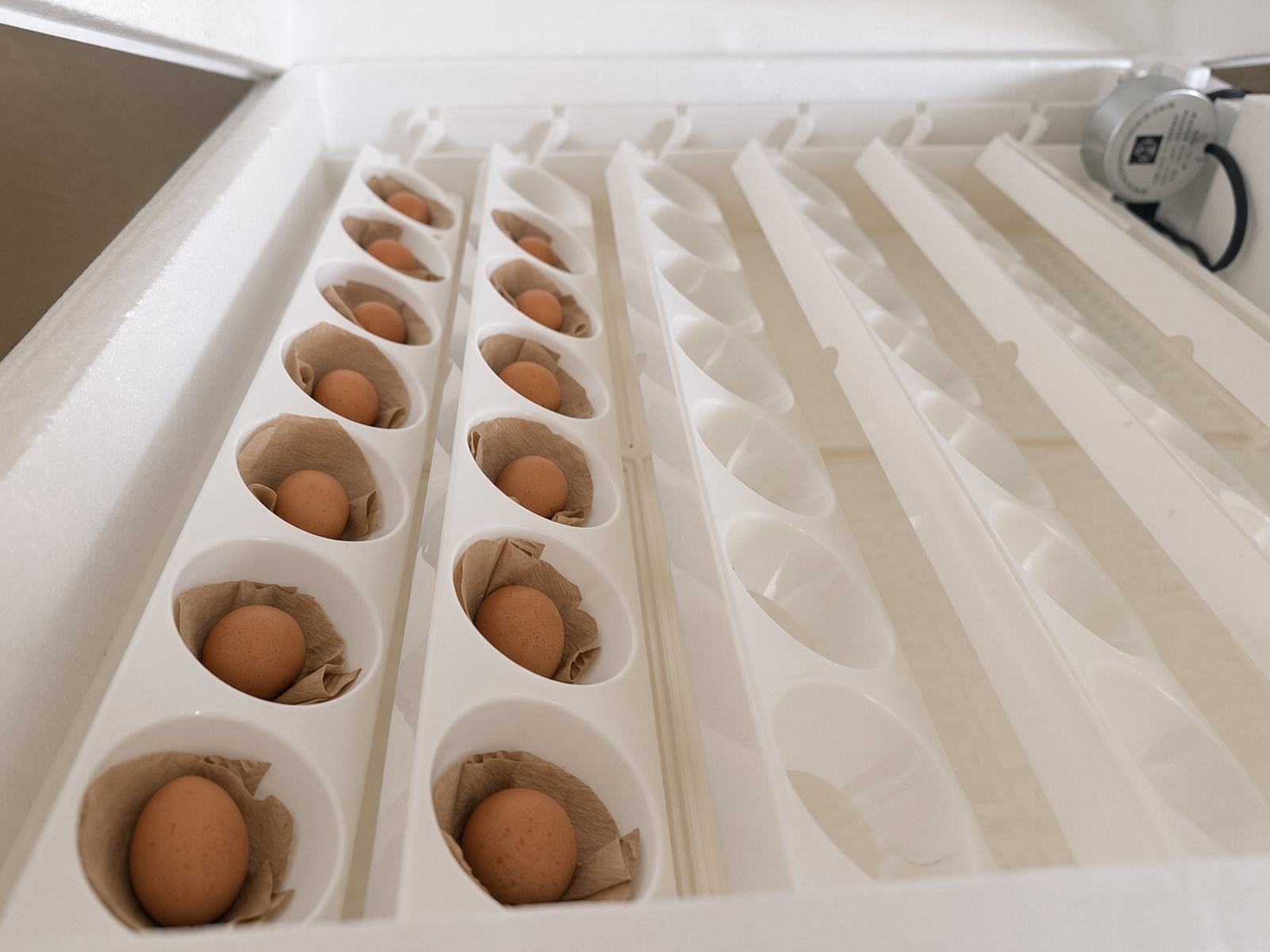
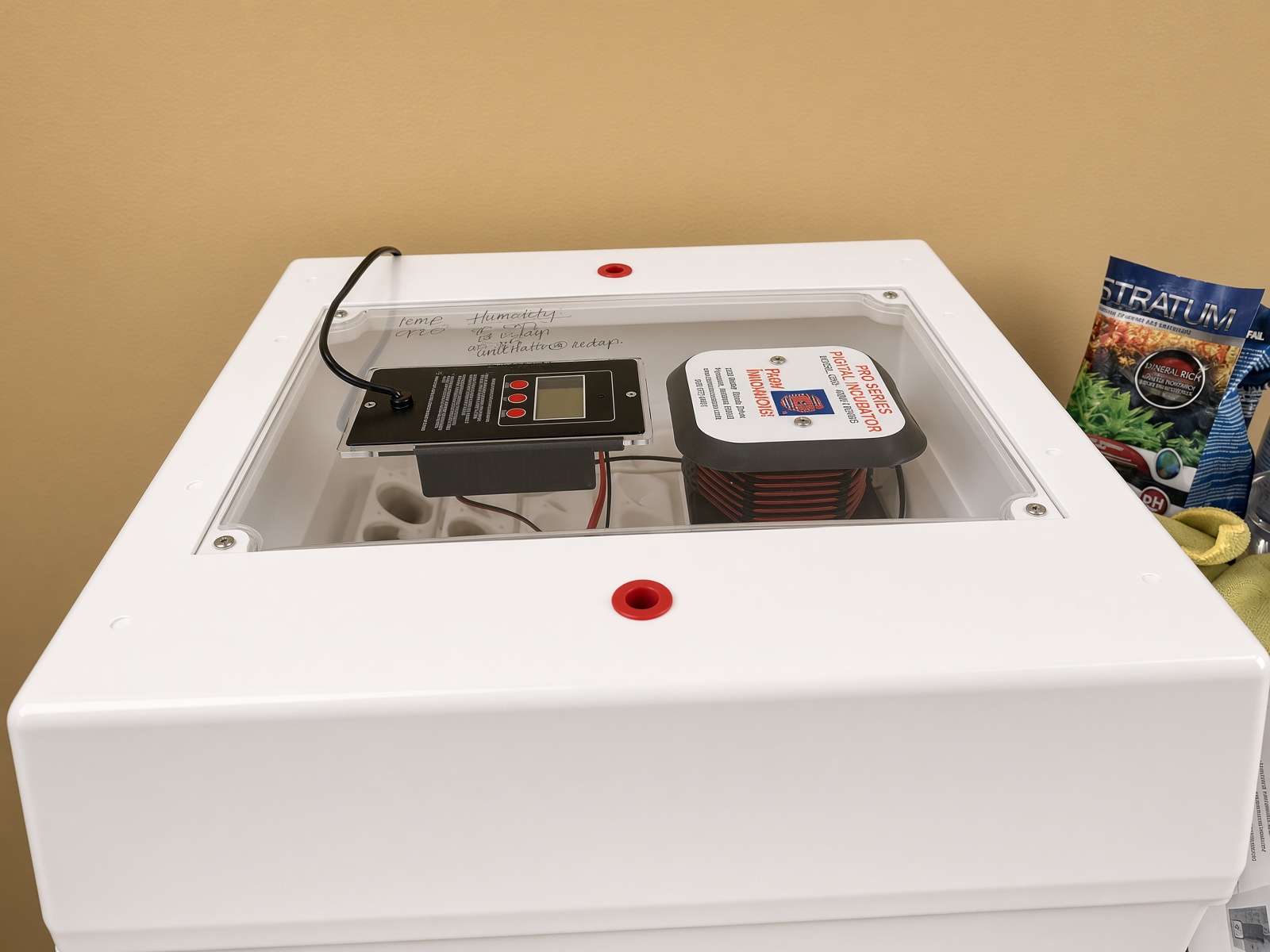
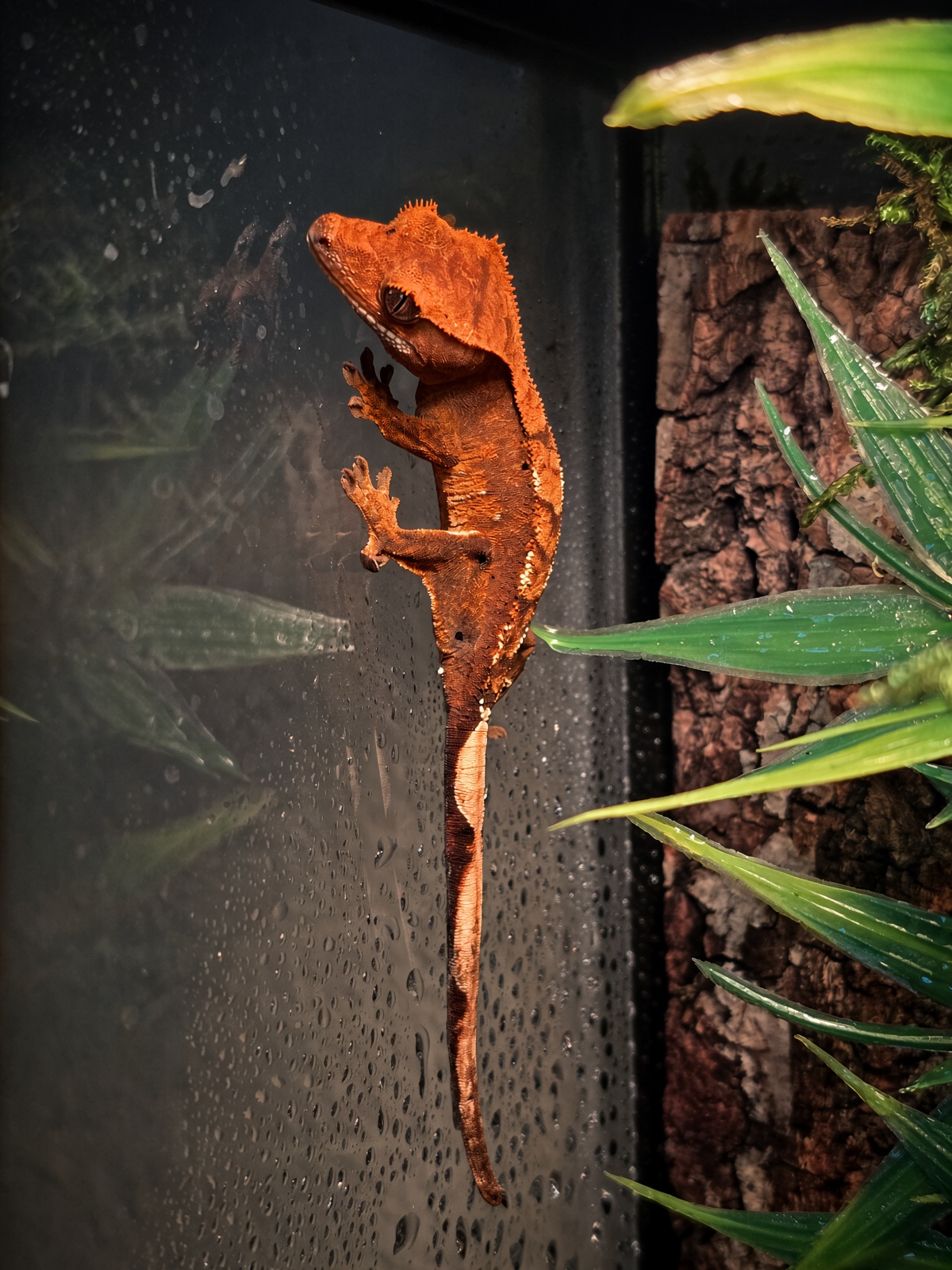
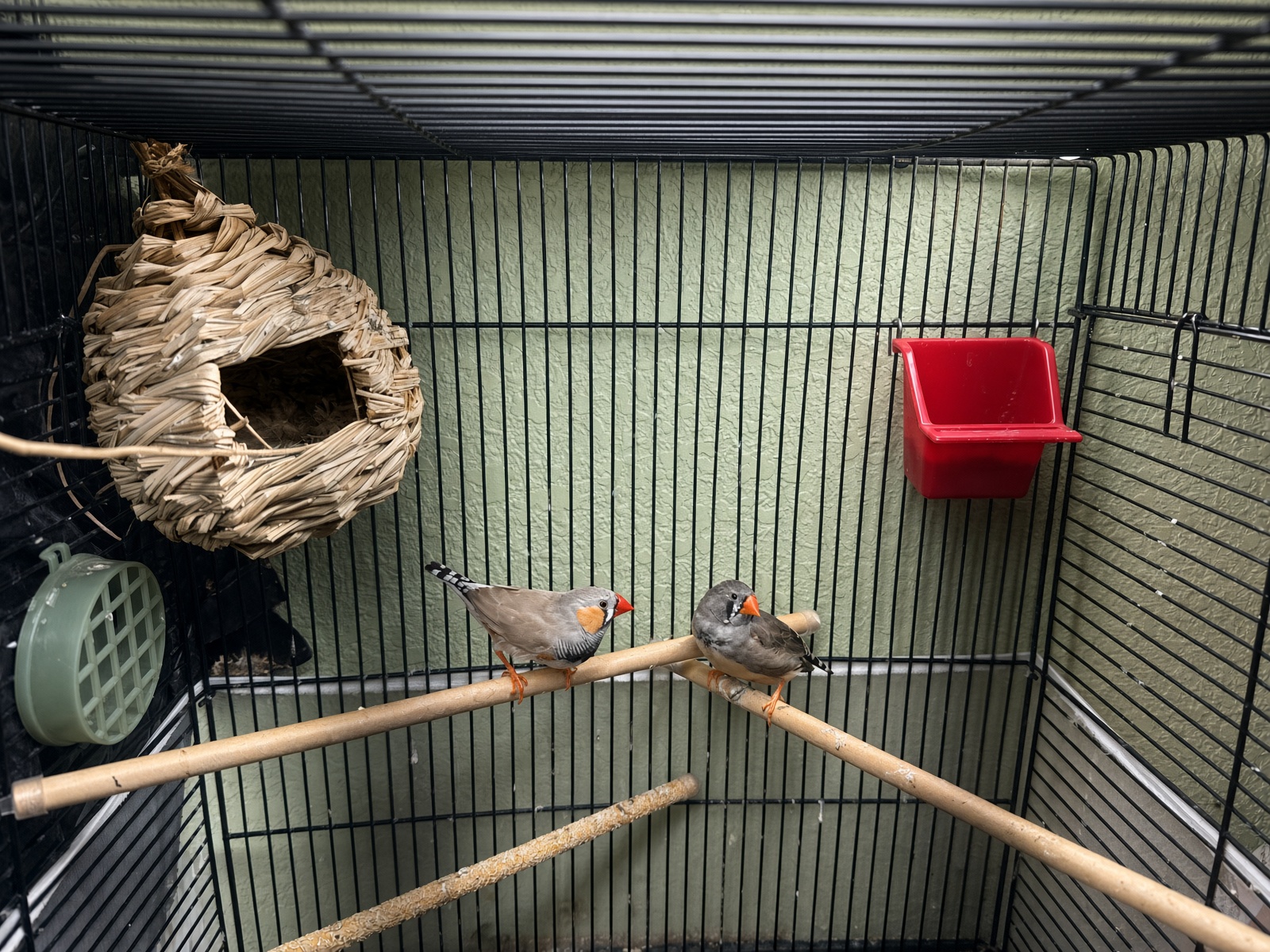
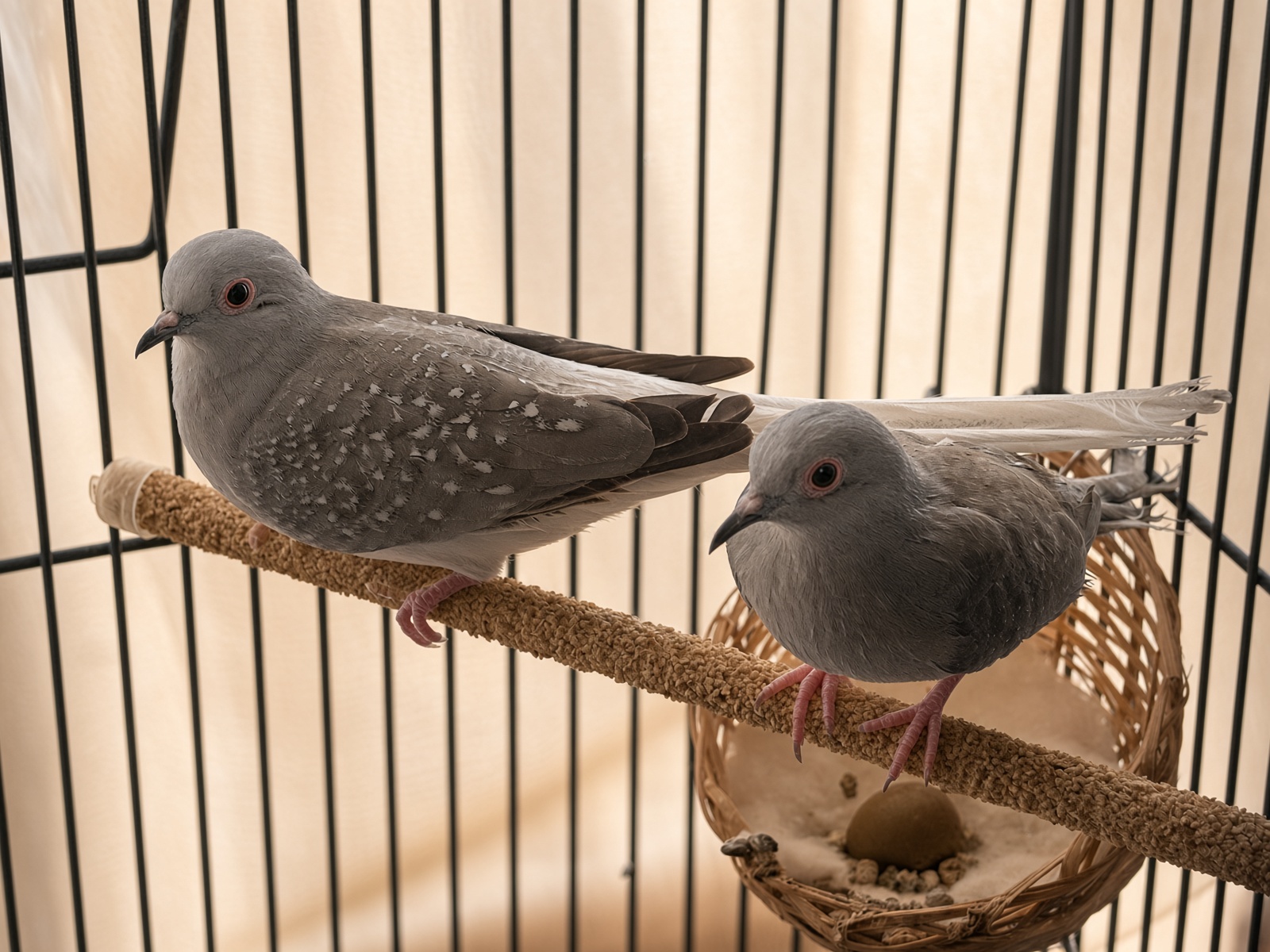
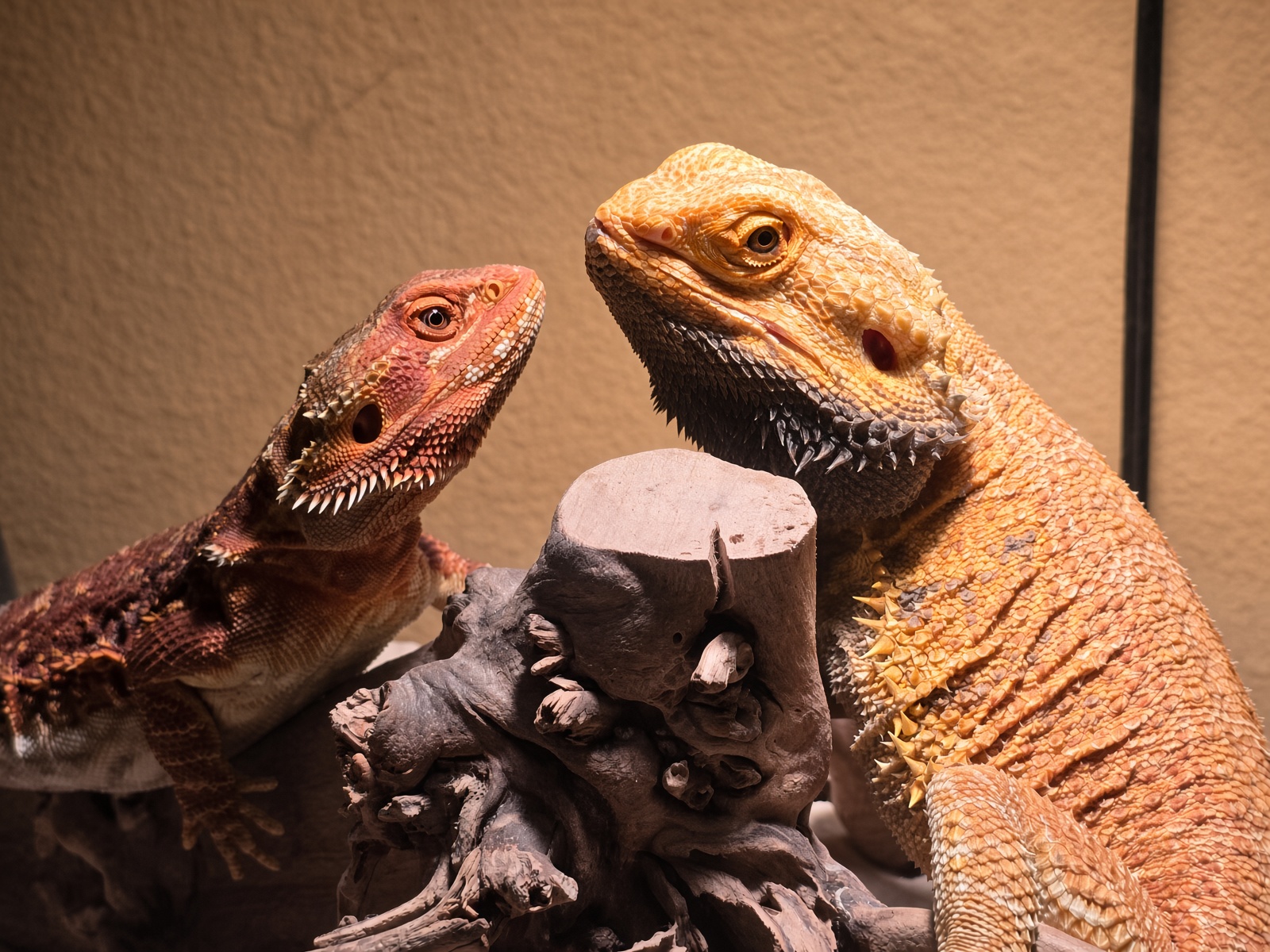
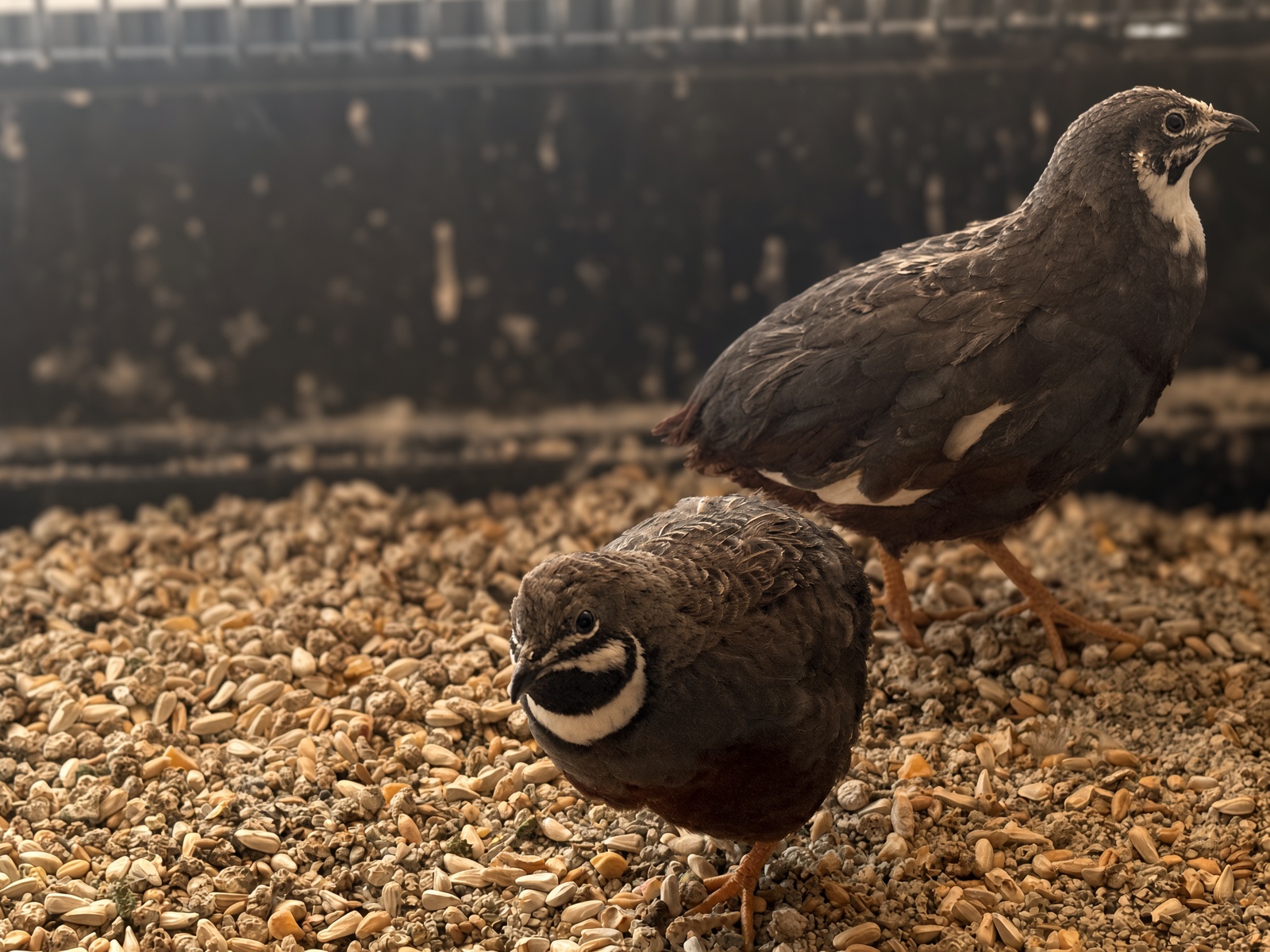
The room, not a render.
Contact us for custom enterprise needs
Ranger answers every question on our strongest model while your plan's allowance for it lasts. Every plan also has a monthly AI allowance, shown as a meter in the app. If it runs out, Ranger pauses until it resets on the 1st, and your records, alerts and reminders keep working. A plan run is a multi-step job Ranger does after you approve it. Full limits in Help.
Pay yearly and get 2 months free. Import your spreadsheet on day one; download every record any time.
Sign-ups are open. Start free with 10 animals and upgrade when you need more.
Sign in to your operation.
By signing in you agree to our Terms and Privacy Policy.
No account needed. Explore and edit a sample breeder's records.
Records, content, cash flow, and an AI manager for your breeding business, in one place.
By creating an account you agree to our Terms and Privacy Policy.
Welcome! Set a password to finish setting up your account.
Here's a snapshot of the day.
Run the to-do list together and hand things to the assistant when you'd rather not draft it yourself.
Question, task, or "draft a caption for the new clutch," whatever's on your plate for this operation.
Your breeding stock and available animals, with a care guide draft for every record.
Pairs and clutches, linked back to your animal records: who's paired with who, and what each pairing has produced.
Track every clutch from lay date to hatch, who the parents are, the conditions you're running, and how it turned out.
Track what each animal carries and predict offspring odds for a pairing.
How-to guides for every feature, listings and copy, and folders for care guides, care sheets and your business documents.
Your AI manager. Ask it anything, or tell it what you want handled, and it figures out which, and always waits for your OK before it changes anything. How to prompt Ranger →
Ranger can look things up and answer right away. If a message is really a goal (a task, record, or draft to create, edit, or delete), it'll propose a plan below for you to approve first.
Smooth out the lumpy clutch-timing income: log what comes in and out, and see where things stand.
Drop in a bill, invoice, or receipt. AI insight reads it and proposes cash flow entries in the right categories for you to review before anything's logged.
A quick, plain-language read on where things are headed, based on what's logged here and what's marked available among your animals.
Swipe the table sideways to see more months →
Your account, brand, notifications and billing, plus how Broodstock looks on this device.
You're in the demo operation. Everything here is sample data, so edit anything and try Ranger. Reset puts the sample records back; Exit leaves the demo.
"System" follows your device's light/dark setting automatically.
Your logos, colors, fonts, tagline and links. Import them from your website or logo, preview them live, and they carry through to your storefront, paperwork, labels and emails.
Everyone on your team shares this operation's records. Invite people by email; they join when they sign in with that address.
Broodstock staff can enter your hub only after you approve an emailed request, only for a few hours, and every request, approval and entry is logged here. You can revoke access at any time.
Guides for every feature, answers to common questions, and our policies.
Questions, bugs or ideas: support@broodstock.app
Signed in as .
Platform-wide tools for support and operations, visible only to platform admins.
Set any operation's plan directly, suspend/reinstate access, or open its hub in support mode to help without needing the owner's login.
Last 14 days. "Sessions" is distinct browsers/devices, not page views.
Last 30 days.
When on, every visitor except David and Keaton sees a "down for maintenance" page instead of the site. Use this while pushing an update or recovering from something broken. Turn it off the moment things are stable again.
Write what changed. "Show in the app" puts it on everyone's Today page for 30 days and in Records, Changelog. The email goes out from Broodstock (updates@mail.broodstock.app) to every hub owner who hasn't turned update emails off. Always send it to yourself first.
Every time David or Keaton opens a client's operation in support mode, or changes plan/status/maintenance, it's recorded here.
Broodstock is offline for a short bit of maintenance. This won't take long. Check back shortly.